Reverse with a clearer view.
Practical guidance for choosing wired, wireless and vehicle-specific backup camera systems without overlooking fitment, signal reliability or installation.
Explore camera guidesThe best camera is the one that fits the vehicle
Screen type, mounting position, cable route and operating environment shape the right choice more than a single resolution claim.
Wireless Cameras
Reduced cable routing with signal stability and latency tradeoffs explained.
Wired Systems
Consistent video for drivers comfortable with a longer installation.
Trucks & RVs
Long-range transmission, wide viewing angles and trailer considerations.
Mirror Cameras
Integrated displays, dash-cam combinations and rear visibility.
Tailgate Cameras
Vehicle-specific housings, connectors and parking-line behavior.
Installation Guides
Power taps, trigger wires, cable routing, sealing and camera alignment.
Published backup-camera guide
Start with your current display and its camera-input requirements before choosing a kit.
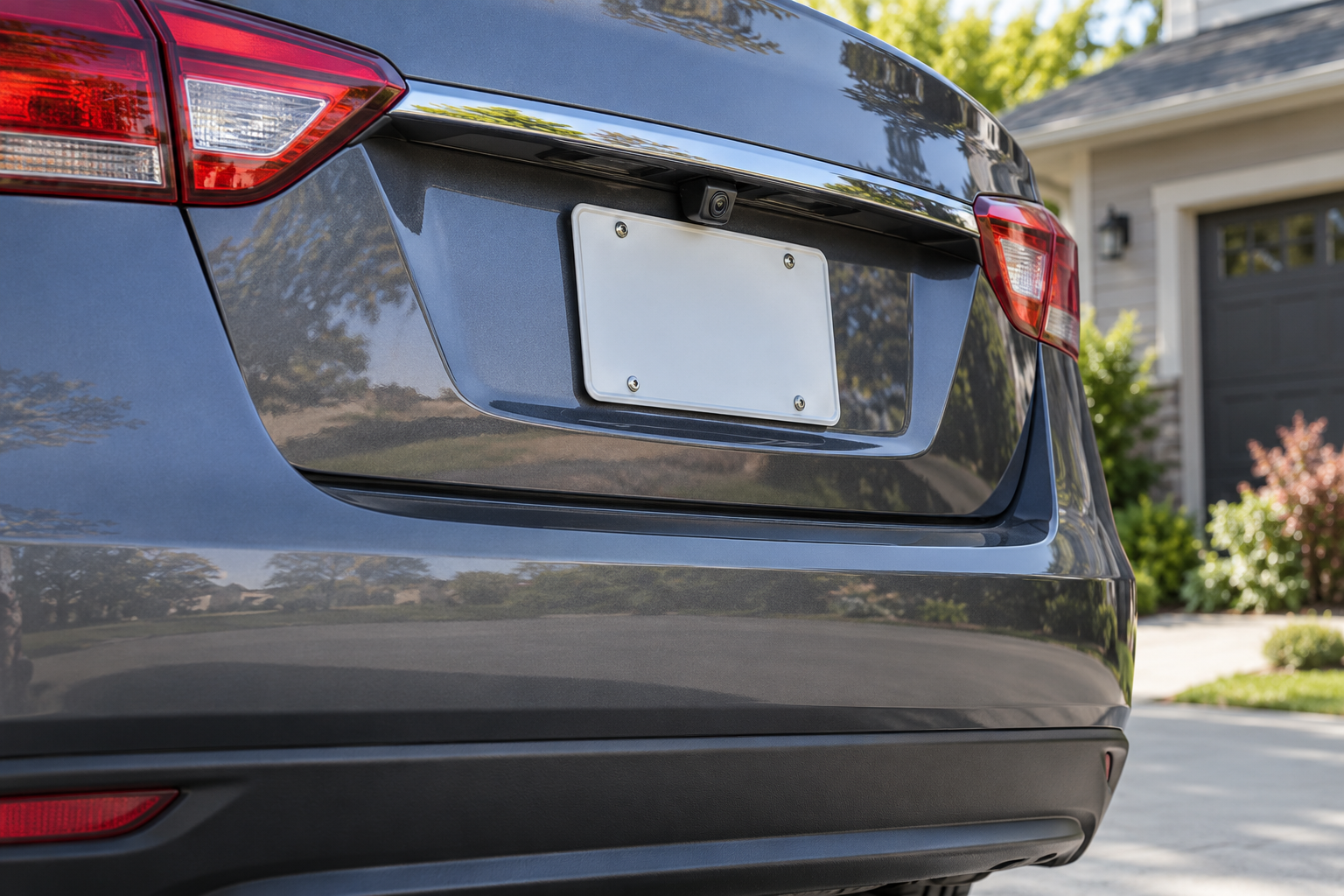 Buying guide
How we evaluate backup cameras
Useful comparisons combine image quality with connection reliability, real mounting constraints and safe reversing behavior.
Read our methodology- Usable field of view
- Low-light visibility
- Signal delay and dropouts
- Weather resistance evidence
- Display readability
- Vehicle and connector fitment
Four checks prevent most fitment mistakes
Choose a dedicated, mirror or head-unit screen.
Confirm plate, handle, bumper or roof placement.
Plan reverse-trigger and continuous-power needs.
Measure cable length and weatherproof entry points.
Fitment and limitations come first
This guide distinguishes researched specifications from hands-on evidence, states vehicle compatibility clearly and avoids invented scores or test claims.