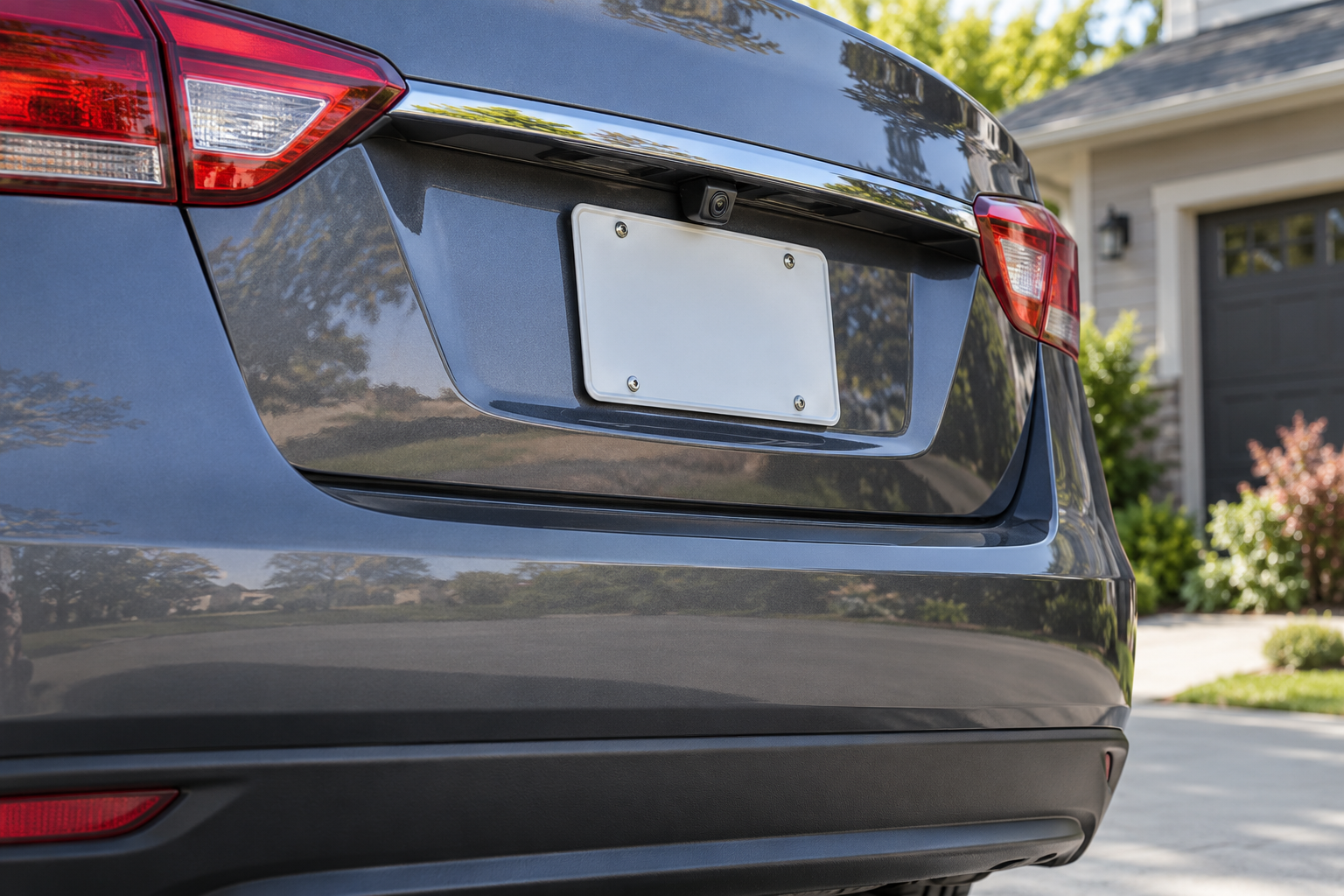

An aftermarket backup camera can be a simple add-on or a vehicle-integration project. The first question is not “How many pixels?” It is: where will the image appear, and can the camera connect to that display in this vehicle? A camera that cannot communicate with the screen—or cannot be powered and triggered correctly—is the wrong kit regardless of its feature list.
Start with the screen already in the vehicle
Use the path that matches your current setup:
| What the vehicle has now | First option to investigate | Main compatibility check |
|---|---|---|
| Factory screen with an existing camera | Diagnose or replace the factory camera with a vehicle-specific part | Exact year, model, trim, connector, camera voltage, and factory system |
| Factory screen but no camera | Vehicle-specific integration interface or a kit designed for that factory display | Whether the display and wiring support camera input and reverse-trigger switching |
| Aftermarket head unit with camera input | Camera compatible with the receiver's input and signal format | Connector, video standard, power requirement, and trigger wire behavior |
| No suitable screen | Complete kit with a dedicated monitor or mirror display | Mount location, driver sightline, power, and display dimensions |
Do not assume that an RCA-shaped connector guarantees a compatible image, that a USB port is a camera input, or that a factory screen accepts any aftermarket camera. Find the receiver or display model and its manual first. If you cannot identify it, photograph its label or consult the vehicle's documentation before ordering.
Choose a system architecture, not just a camera
A backup camera system includes more than the lens. It may include the camera, display, transmitter or receiver, extension cable, power lead, reverse trigger, vehicle interface, and mounting hardware. Compare the complete bill of materials against what the vehicle already has.
Wired kits can avoid a wireless link between the rear camera and display, but cable routing from the rear to the front can take time and may require trim removal. Wireless kits can reduce the long video-cable run, but “wireless” does not mean installation-free: the camera and display still need power, mounting, pairing or setup, and an appropriate trigger. Check the exact manual for range limits and supported displays.
If an existing navigation device is the proposed screen, verify the manufacturer's compatibility list by exact device model and software version. Garmin, for example, documents that its BC 50 camera pairs only with compatible Garmin navigation devices and may require a software update. That example is a warning against assuming cross-brand compatibility, not an endorsement or universal rule.
Check the view from the actual mounting location
Think about the scene the driver needs to see: the area close behind the bumper, the width of the vehicle, and any hitch or load that may occupy the frame. A very wide image may include more area but make objects appear smaller or more distorted. A narrow image may make distance easier to judge while leaving less view to the sides. Treat parking lines and distance marks as aids only after they have been checked for the camera's actual position and vehicle geometry.
Before committing to a mount, confirm:
- The camera can be aimed at the intended area without being blocked by the plate, handle, tailgate, hitch, or cargo.
- The lens location stays clear of routine dirt, spray, and the rear wiper's sweep where applicable.
- The bracket and fasteners fit the surface and do not interfere with a latch, seal, or existing camera.
- The display is visible during a reversing maneuver without blocking the forward view or essential controls.
- Any selectable guidelines can be calibrated and turned off if they misrepresent the vehicle's path.
A static product photo cannot tell you how the view will look from your bumper. Look for an installation drawing and sample image from the same camera position, and compare those with the vehicle before buying.
Decide how the image should turn on
Most buyers want the display to show the rear image when reverse is selected, but exact behavior depends on the camera, receiver, vehicle interface, and wiring. Some products can also show a continuous view or be opened manually. Check the manual for the trigger method and whether the screen needs a compatible reverse signal.
This is a key stop point: do not guess which wire is the reverse signal or splice into a vehicle circuit based on color alone. A model-specific installation diagram and vehicle wiring information are needed. If the required connection is unclear, use a qualified installer. NHTSA's FMVSS No. 111 describes performance requirements for rear-visibility systems on specified vehicles; it is not an aftermarket-kit compatibility chart or an installation guide.
Plan installation before choosing DIY
An easy plate-frame camera may still require routing a cable, finding a suitable power source, and sealing an exterior opening. A factory-style camera can require removing trim or connecting to a vehicle-specific interface. Before purchase, read the full installation manual—not only the “easy install” headline—and list the tools, access, and wiring tasks involved.
Pause DIY if the job involves drilling near unknown wiring, routing through a hatch or body panel without a safe path, modifying a factory harness, or identifying a circuit you cannot verify. A poor seal can let water into the vehicle, while a poor electrical connection can create intermittent operation. Ask an installer whether the kit is appropriate for the vehicle and what parts or labor are not included.
After installation, test the image while stationary and with a helper before relying on it. Confirm that reverse selection brings up the intended view, that the image is oriented as the manual describes, that any guide lines correspond to the vehicle, and that the factory screen or other vehicle functions still behave normally. A backup camera supplements direct observation and mirrors; it does not replace checking the surroundings.
Match features to the vehicle and driver
Choose by the constraint that matters most:
- Older vehicle with no display: compare complete kits that include a screen, then test where the screen can sit without obstructing the view.
- Vehicle with an aftermarket receiver: identify the exact receiver and confirm its camera input, format, trigger, and power requirements before choosing the camera.
- Long vehicle or trailer use: verify cable/transmitter range and whether a second camera view is supported by the display. Do not infer reliable signal from the word “wireless.”
- Frequent rain, road grime, or winter driving: prioritize a protected mounting position and a cleaning routine; check the product's documented environmental rating instead of relying on phrases such as “all weather.”
- Replacing an intermittent factory camera: diagnose the connector, wiring, and display before buying. A new camera will not repair a damaged harness or failed screen input.
The right choice is often the kit with the clearest compatibility documentation, not the one with the longest feature list.
Pre-purchase checklist
Record these details before opening product pages:
- Vehicle year, make, model, trim, body style, and existing factory camera/display equipment.
- Screen make and exact model, or whether the kit must include a screen.
- Camera input connector and video-signal requirements from the display manual.
- How the camera receives power and what signal triggers the display.
- Camera mounting location, view of the bumper/ground, and cable or wireless path.
- Included components versus separately purchased interfaces, extensions, or mounts.
- Installation tasks that need trim removal, drilling, sealing, or vehicle wiring.
If the seller's compatibility page cannot confirm the screen or vehicle, contact the manufacturer with these details before buying. Do not rely on “universal” in a title as proof of fit.
FAQ
Will any backup camera work with my car screen?
No. Verify the screen's supported camera input, signal format, connector, power, and reverse-trigger behavior. Vehicle interfaces can add another compatibility requirement.
Is a wireless backup camera easier to install?
It may avoid a long video cable, but the camera and display still need power, a mounting plan, and a compatible way to show the image. Follow the exact kit instructions and confirm real range for the vehicle layout.
Do I need a separate monitor?
Only if the vehicle does not have a compatible display or the existing display cannot accept the camera signal. Check the receiver or factory-screen manual before purchasing a kit with an extra monitor.
Can I use a backup camera instead of checking behind me?
No. Use the camera as one visibility aid alongside mirrors and direct observation. The display can have blind areas, delay, obstruction, or a misleading view.
Next Step
Identify the display and its camera-input requirements first. Then choose a camera system whose compatibility documentation names that display or vehicle configuration and whose installation manual matches the work you can safely complete. This guide does not recommend a specific model because no vehicle, display, or verified product shortlist has been selected.
Sources and claim scope
| Source | Fact used | Scope and limitation | Checked |
|---|---|---|---|
| Garmin BC 50 installation instructions | This camera pairs with compatible Garmin navigation devices; software version and exact pairing process matter | Product-family example only; not compatible with all vehicle screens | 2026-10-09 |
| Garmin BC 50 compatibility support | The manufacturer publishes supported pairing paths for named Garmin device families | Example confirms the need to check exact model compatibility; it does not establish other brands' support | 2026-10-09 |
| Garmin BC 50 troubleshooting and installation support | Garmin identifies compatible navigator, correct installation/accessories, transmitter placement, voltage behavior, and possible professional installation as relevant to operation | Manufacturer-specific; not generic wiring instruction | 2026-10-09 |
| 49 CFR 571.111, Standard No. 111: Rear visibility | Federal rear-visibility standard includes requirements for rearview images in covered vehicle classes/configurations | Does not validate an aftermarket kit or tell an owner how to install one | 2026-10-09 |