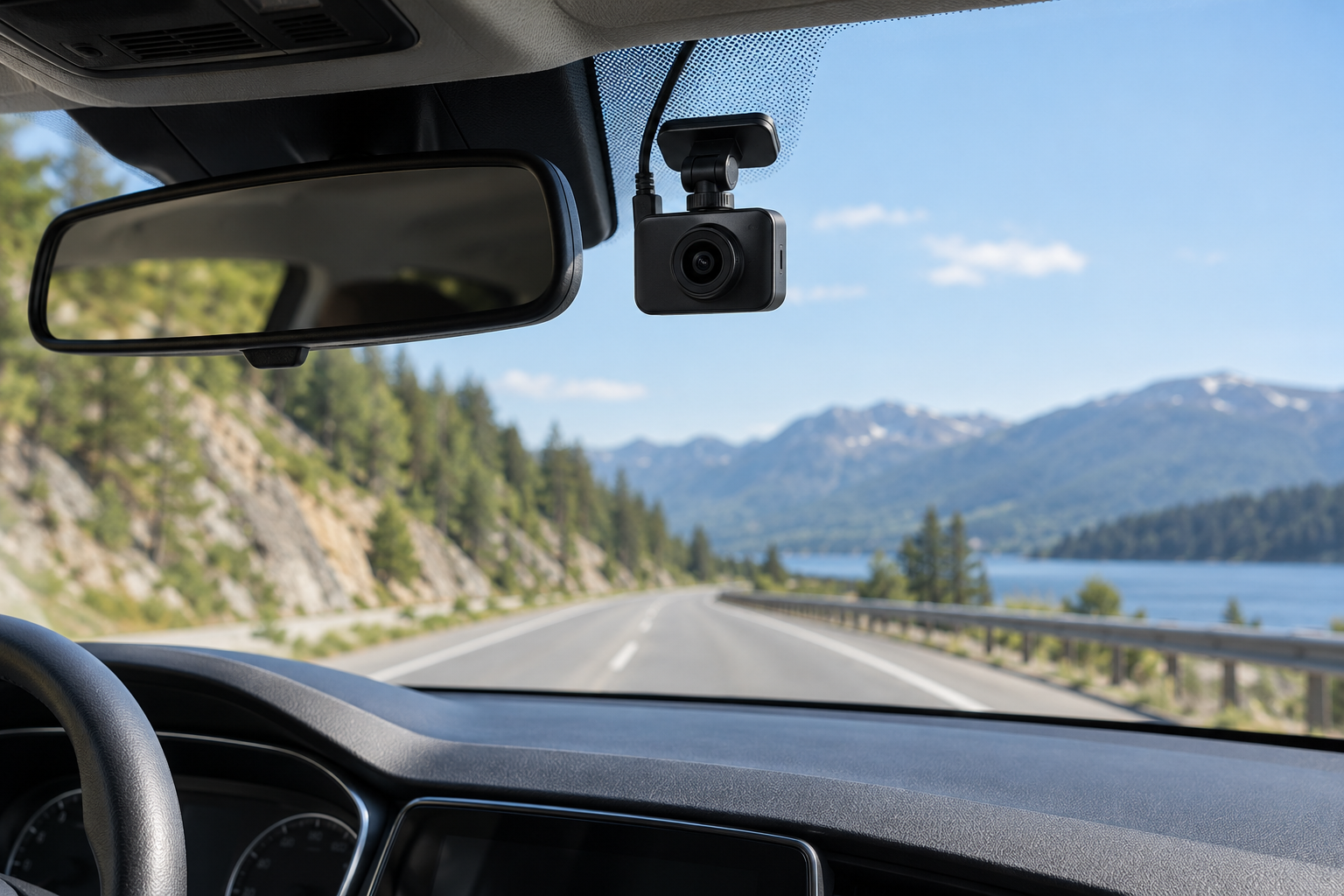

A dash cam is useful only if it records the view you care about, stays powered when you expect it to, and saves footage you can retrieve later. Before comparing resolution numbers or app features, decide what situation you want the camera to document: the road ahead, activity behind the car, the cabin, or the vehicle while parked.
Pick the footage you actually need
Start with the event you want recorded. If your concern is a collision ahead, a front-facing camera may be enough. If you also want footage behind the vehicle, check whether the rear camera is included, how its cable reaches the back window, and whether the kit supports your vehicle layout. Rideshare drivers may value cabin coverage, but an interior-facing lens changes privacy and recording considerations for passengers.
| Your priority | Setup to compare | Check before choosing |
|---|---|---|
| Document the road ahead | Front camera | Windshield placement, field of view, and readable detail at typical distances |
| Record events behind the car too | Front-and-rear kit | Included rear unit, cable route, and fit around hatch or liftgate trim |
| Record the cabin | Multi-channel system with an interior view | Who may be recorded, audio settings, and applicable privacy rules |
| Capture incidents while parked | Model with a supported parking-recording mode | Required power accessory, vehicle battery protection, and local privacy rules |
Do not buy extra channels because a product page makes them sound automatically safer. Each additional camera adds a view to position, a cable or power path to manage, and another stream of footage to store.
Choose front-only or multiple cameras
For a daily driver parked in a garage, front-only may be the simplest setup. A front-and-rear kit makes more sense if rear impacts or hit-and-run damage are a specific concern and you are willing to route a cable through the vehicle. A cabin camera is a separate choice; it is not a substitute for a rear-facing road camera.
Before ordering a multi-camera kit, look for a diagram showing where each lens faces and how it connects to the main unit. Confirm whether the rear camera is part of the package or sold separately. If the product only says “dual channel,” verify what the second channel records rather than inferring from the label.
Treat image quality as a usable-evidence question
Resolution is only one part of a recording. A clip can have a large pixel count and still be difficult to use if a plate or other detail is too small, out of focus, overexposed, obscured by glare, or outside the frame. A wide viewing angle can include more of the scene but make distant details smaller. A narrow view can show more detail straight ahead while missing activity at the edges.
Compare sample footage from the exact model, including daylight, low light, and the conditions you regularly drive in. Check whether the sample is an untouched recording or a promotional demonstration. Look for readable details at a realistic distance, stable exposure when headlights approach, and whether the mount can aim the camera without blocking your sightline.
If the model has a rear or cabin camera, inspect those sample clips separately. Do not assume its advertised front-camera resolution applies to every channel recording at the same time.
Decide whether parked recording is worth the installation
“Parking mode” is not one universal feature. Depending on the exact camera, it may require an always-on power source or a separate hardwire/parking cable, and its recording triggers and time limits can vary. Garmin's manuals, for example, distinguish parked recording from ordinary driving recording and specify a dedicated power accessory for certain models. That is an example of why the exact manual matters, not a claim about every brand.
If you want this feature, verify all four points before buying:
- What event starts recording while parked: impact, motion, or both?
- What power connection or accessory is required for that exact model?
- Does the system provide a low-voltage cutoff or another battery-protection method, and what does its manual say it protects against?
- Are recording people or activity in your area subject to privacy or audio-recording restrictions?
If answering those questions requires tapping vehicle wiring and you are not comfortable identifying the correct circuit, leave installation to a qualified installer. A camera that records while the car is off is not worth an installation that creates an electrical problem.
Check storage and file handling
Dash cams repeatedly write video to a memory card, so the camera's own card requirements matter more than a generic “high capacity” recommendation. Check the exact model's supported card type, capacity, speed class, and formatting instructions. Garmin's model manuals illustrate why this is model-specific: a listed card limit or format instruction for one camera should not be carried over to another.
Then find out how footage is protected and retrieved. Check whether event clips are locked automatically, how to save a clip before loop recording overwrites it, and whether video can be reviewed on the device, through an app, or by removing the card. If app access is important, confirm whether the camera needs a nearby Wi-Fi connection, an account, a subscription, or an internet connection for the function you want.
Budget for a card that meets the camera's documented requirements. If a card error appears, follow the camera manual before formatting it; formatting erases stored footage. Periodically verify that recording is actually working rather than waiting for an incident to find out.
Make sure the mount and power setup work in your car
Mock up the camera position before committing an adhesive mount. Check the view from the driver's seat, the wiper-cleared area, mirror and sensor housings, and any restrictions in your jurisdiction. The camera must not interfere with controls, driver's movement, or a clear view through the windshield. Laws on windshield-mounted devices differ by location, so check local rules rather than relying on a general online placement diagram.
Next, determine how it will receive power. A 12-volt outlet is usually less involved but may turn off with the ignition or remain powered after shutdown; verify what your vehicle actually does. A hardwire kit can support features that need power while parked, but it adds installation and vehicle-specific electrical checks. A USB port's presence does not prove it supplies the voltage or behavior the camera requires.
For a rear camera, consider cable length and the route around airbags, trim, a moving hatch, and existing wiring. Do not route a cable across an airbag deployment path or force it behind trim if you cannot see what is there. Use the exact camera and vehicle instructions or ask an installer.
A practical pre-purchase checklist
Write down these answers before opening product listings:
- Coverage: front only, front and rear, or front and cabin?
- Primary conditions: daytime commute, frequent night driving, rideshare, or parked vehicle?
- Power: ignition-switched outlet, hardwire kit, or another manufacturer-approved setup?
- Storage: supported card type/capacity and how you will save important clips?
- Mounting: a location that preserves visibility and avoids sensors, airbags, and moving trim?
- Retrieval: on-device playback, phone access, computer access, or cloud service?
- Limits: privacy, audio-recording, windshield-placement, and subscription terms that apply where you drive?
If you cannot answer coverage, power, and mounting yet, pause before comparing image-quality claims. Those are the conditions that determine whether a particular setup can work in your vehicle at all.
FAQ
Is a front-and-rear dash cam worth it?
It is worth comparing if recording what happens behind your vehicle is part of your goal and the rear camera can be installed cleanly. If you only need a forward road view, an additional channel may add cable work and cost without solving your main need.
Does a dash cam record while the car is off?
Only if the exact camera supports a parked-recording mode and it has the required power connection and settings. Read that model's manual; do not assume the standard power cable keeps recording after the ignition is off.
What memory card should I buy?
Use the card type, capacity, and speed requirements in the exact camera manual. Requirements differ among models, and recording to an unsupported card can cause errors or missing footage.
Can I install a dash cam anywhere on the windshield?
No general placement rule should be assumed. Preserve the driver's view and check the laws that apply where the vehicle is used. Also confirm the camera does not obstruct sensors or controls.
Next Step
Choose the recording view and power behavior you need first. Then compare named models only after checking their exact manuals, supported card requirements, included cameras, mounting limits, and footage samples. This guide does not rank or recommend a specific model because no product shortlist and model-by-model evidence have been verified for this article.
Sources and claim scope
| Source | Fact used | Scope and limitation | Checked |
|---|---|---|---|
| Garmin Dash Cam 47/57/67W Owner's Manual | This product family has model-specific topics for memory cards, mounting, placement, parking guard, and clip handling | Used only to support the need to consult the exact manual; not as a specification for other cameras | 2026-10-09 |
| Garmin parked recording instructions | Garmin's cited example requires a parking-mode cable accessory and warns that availability may vary due to privacy regulations | Manufacturer-specific example; does not establish laws for a reader's jurisdiction or other models | 2026-10-09 |
| Garmin memory-card degradation guidance | Continuous recording writes to the card; the manual discusses card wear and model-specific maintenance | Applies to the named Garmin family; verify other brands' manuals | 2026-10-09 |
| NHTSA interpretation 6982 | Windshield-mounted devices can raise visibility and state-law issues; federal treatment is not a substitute for state-specific rules | Historical interpretation; article makes no universal legality conclusion | 2026-10-09 |